
Meta Description: Is Canva still king in 2025? We tested Kittl’s AI design engine against Canva’s Magic Studio. If you sell Print-on-Demand or want unique branding, the winner might surprise you.
⚡️ Quick Verdict: Which One for You?
Stick with Canva if: You are a social media manager, student, or need to create 50 Instagram posts in an hour. It’s still the king of “general” daily design.
Switch to Kittl if: You are doing Print-on-Demand (T-shirts, Merch), Logo Design, or need that high-end “Vintage/Retro” look that sells. Kittl’s text effects and vector capabilities are lightyears ahead of Canva.
👉 Click here to try Kittl for FreeIntroduction: The “Canva Fatigue” is Real
We all love Canva. It democratized design. But in 2025, there is a problem: Everything looks like Canva.
If you scroll through Instagram or Etsy, you can spot a Canva template from a mile away. The clean, corporate, “safe” aesthetic is everywhere. For content creators and POD (Print-on-Demand) sellers who need to stand out, “safe” doesn’t sell.
Enter Kittl.
This tool is positioning itself as the “Canva Killer” for serious creators. But is it just hype? I put both platforms through a rigorous test to see which one deserves your subscription.
Round 1: Text Effects & Typography (The Game Changer)
This is where Kittl absolutely destroys Canva. In Canva, curving text is about the only “effect” you get.
In Kittl, you can warp, distort, shade, and texture text in real-time. With one click, you can turn a boring font into a 70s retro masterpiece or a Y2K metallic logo. For T-shirt designers, this feature alone is worth the price of admission.
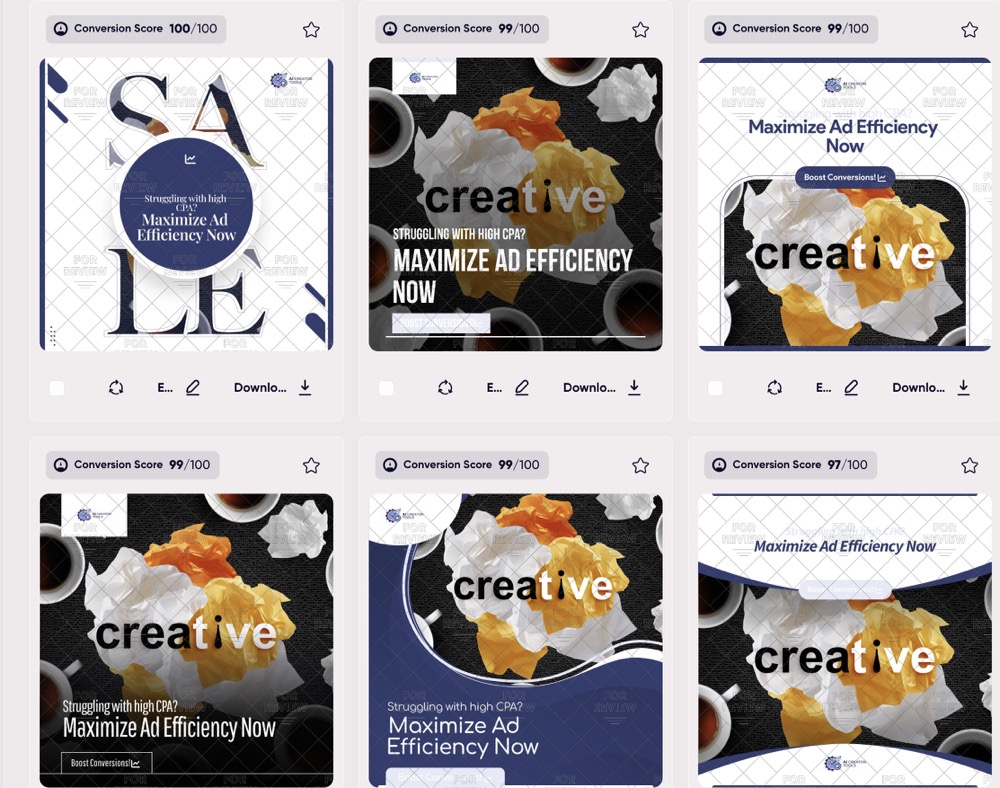
Above: Kittl’s “Transform” tools allow for complex text warping and retro styling in seconds—features currently missing in Canva.
Round 2: The AI Image Generation
Both platforms have integrated AI in 2025, but they serve different purposes.
Canva Magic Media:
Good for generating stock-photo style images for blog posts or social media backgrounds. It’s solid, but sometimes feels a bit generic.
Kittl AI:
Kittl specializes in Vector Generation and illustrations. You can type “Vintage Skull Logo” and get a clean, scalable vector SVG that is ready to print on a shirt immediately. No blurry pixels. For merchandise sellers, this is crucial.
Round 3: Templates & Aesthetic
| Feature | Canva | Kittl |
|---|---|---|
| Aesthetic Style | Clean, Corporate, Modern, “Safe” | Retro, Streetwear, Grunge, Detailed |
| Print Quality | Standard (Raster mainly) | Superior (True Vector Support) |
| Learning Curve | Very Low (Everyone can use it) | Low-Medium (More pro tools) |
| Best For | Social Media & Presentations | Merch, Logos, Posters |
The Good, The Bad, and The Pricing
- Complex Text Layouts: You can do things here that usually require Adobe Illustrator.
- Infinite Content: The library of vintage illustrations is unmatched.
- Commercial License: Clear rights for POD sellers.
- Video Editing: Kittl is purely for static images. Canva does video well.
- Team Collaboration: Canva’s enterprise features are more mature.
Final Verdict: 2025 Recommendation
I haven’t cancelled my Canva subscription yet because I still use it for quick invoices and presentation slides.
BUT… for anything creative? For anything I want to sell? I have switched 100% to Kittl. The design quality is simply on another level.
Ready to break free from the “Canva Look”?
Start Designing with Kittl (Free) ›